Common Household Items That Interfere With WiFi Signals

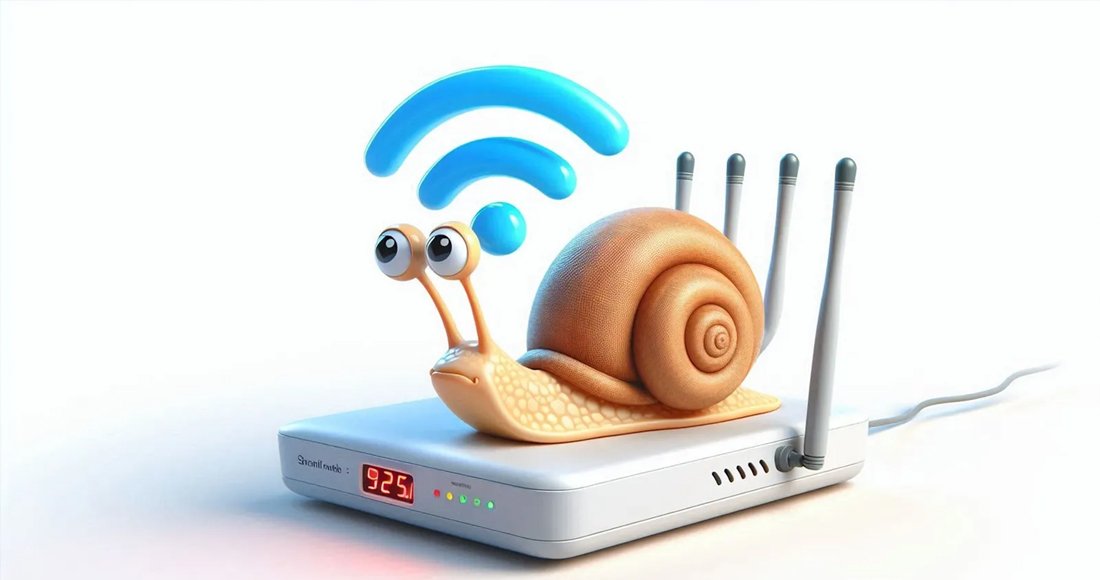
The world runs on WiFi. But your food and other strange things can get in its way. Alex Hills is a guide. He is one of the first people to deal with WiFi connection problems on Earth. As a professor at Carnegie Mellon University in America, he led the team that built the first large WiFi network in 1993. Hills tells this story in his book 'WiFi and the Bad Boys of Radio'. But 'Bad Boys' here does not refer to a group of unruly young people using the internet. It is the name he gave to the objects and processes that do not allow WiFi to run properly. Your home may also be full of such 'bad boys'. They try their best to prevent you from using the internet. Some of these obstacles may seem normal, like thick walls. But other things are a bit strange. Identifying these problems can help you improve your connection. It can also change your thinking about the most important technology in your life.
- Microwave
Astronomers in Australia were puzzled by mysterious radio signals for 17 years. Some blamed solar flares. Ordinary people suspected aliens. But later they found that the main culprit was around their own homes. Their telescope was picking up energy bursts from the office microwave during lunch breaks. The telescope is not the only technology affected by microwaves. It can also mess up your WiFi.
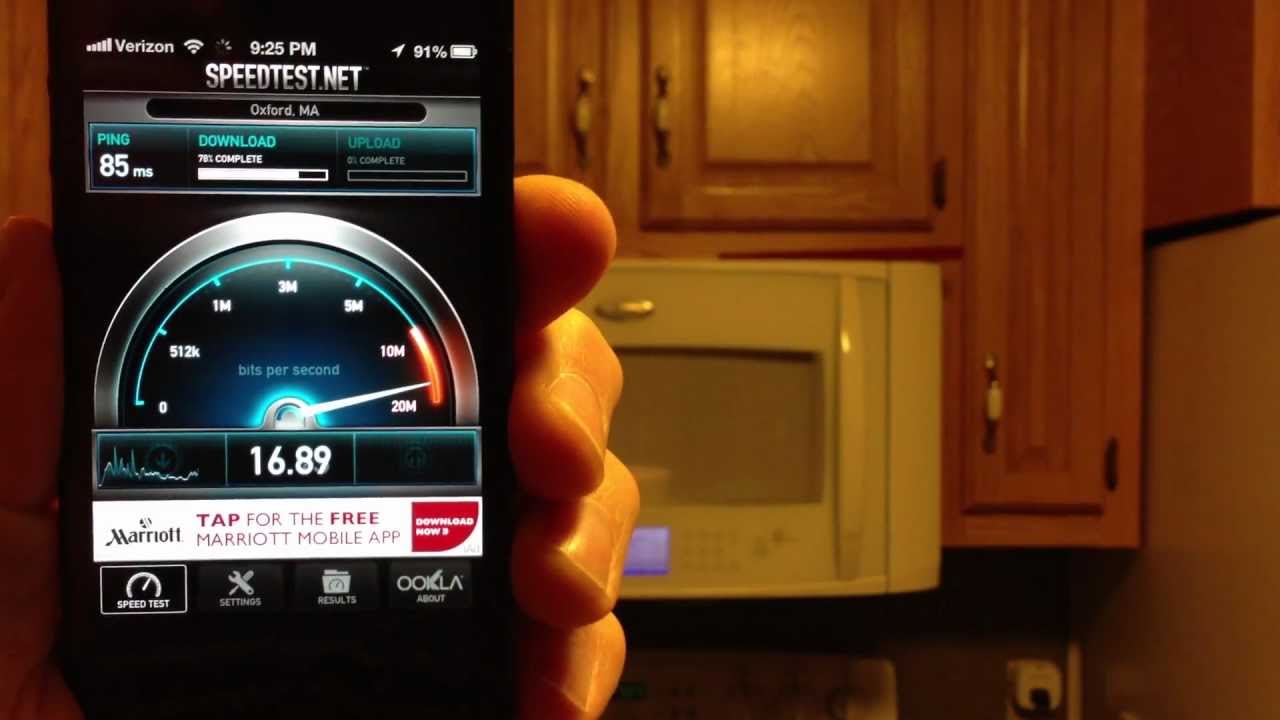
Like most wireless communication technologies, WiFi exchanges information through radio waves. Governments reserve most radio frequencies for specific purposes such as police administration, air traffic control, and AM and FM radio stations. But some frequencies are free for public use. For example, the most common frequency used by WiFi networks and Bluetooth devices is 2.4 GHz. Coincidentally, this is also the frequency your microwave uses to heat leftover food. Microwaves are designed to safely contain the waves used to heat food inside the oven. But if you have an old microwave, or if you open the door before the food is heated, it can interfere with your WiFi signal, says Hills. 'This is one of the main sources of interference people talk about,' says Hills. Similar problems can arise from frequencies emitted by fluorescent lights or car starting systems. 'Nowadays, microwaves cause less problems,' says Hills. They have become better than before. WiFi can also run on 5 GHz instead of 2.4 GHz. But if you have an old WiFi setup or an old microwave, your internet may be interrupted while heating food.
- Fish Tank
If you keep aquatic animals at home, it can also cause problems. 'As the distance increases, radio signals naturally weaken. But sometimes they pass through an object that weakens the signal. We call this 'shadowing',' says Hills.
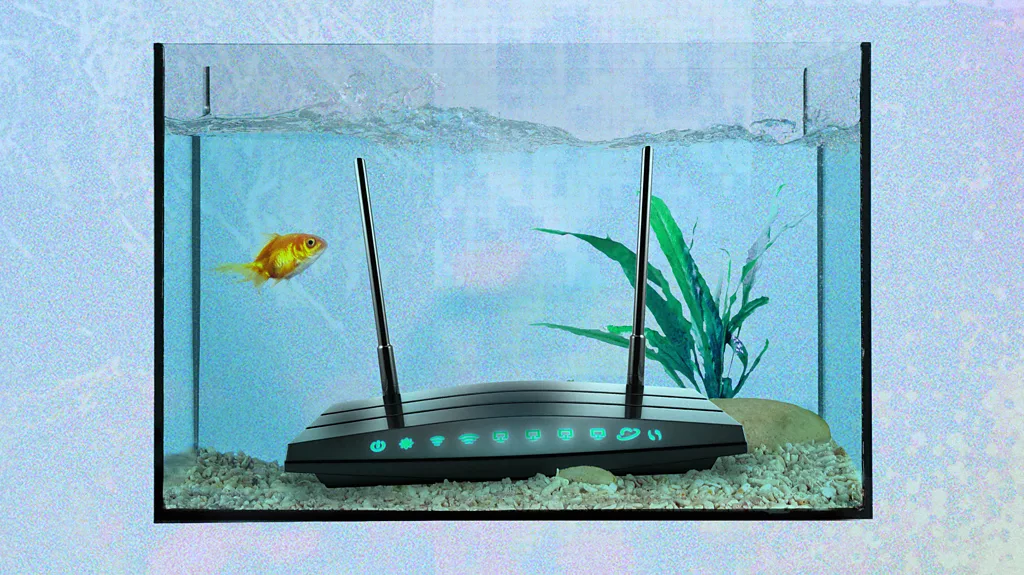
WiFi and water don't mix well. Among other problems, water molecules can act like tiny magnets, absorbing the power of radio signals. If there is a fish tank between you and the router, it can create a dead zone where WiFi is not received. 'Shadowing' is the biggest problem people face with WiFi networks, says Hills. But this is not just due to fish tanks. Radio waves can easily pass through some materials like wood and gypsum board. But if there are thick walls made of materials like brick or concrete, it is difficult to penetrate. 'Imagine there is a straight path between your router and the device you are trying to use the internet on,' says Hills. The signal can bounce around the room and find other paths around objects. But the more obstacles in the way, the weaker the signal becomes. Short distances also make WiFi work easier. Placing your router in the center of the house and as high as possible is a good start. If that doesn't work, you can use a WiFi extender. It boosts your signal. Or you can replace your router with a 'mesh network', which distributes WiFi around you through a series of small devices. This way you don't have to bother those poor fish.
- Mirror
Microwaves can interfere with WiFi signals. Fish tanks can absorb them. But there is another common problem: reflection. Radio is another form of light. Just as light bounces off a reflective surface like a mirror, your WiFi signal can also bounce back.

Any flat and reflective surface like a TV can cause similar problems. If metal sheeting is used in the walls when building your house, similar problems can occur. If you have a dead spot in your home, imagine a straight line between you and the router. Then consider if there is a mirror or a large TV that is reflecting the signal back. You might consider moving those reflective surfaces elsewhere. But if you don't want to spoil the decor of your room, a WiFi extender is another option that can solve this.
- Winter Weather
Your WiFi should not be interrupted when it rains. This can only happen when using a network in another building separated by open space. But when the weather gets really bad, things can get worse. Snowfall can destroy infrastructure serving homes, neighborhoods, or entire cities. Whether it's extreme cold damaging the metal inside cables or snow piling up to block satellite signals, problems can arise in both cases. Heat can cause similar problems. Even if the weather itself is not causing problems, the network can slow down if everyone in the house stays inside and watches YouTube at the same time. This means that internet outages can be another consequence of climate change. What is the solution? Besides doing your part for the planet, you can pressure telecom companies and local authorities to take preventive measures. As for Alex Hills, he lives in Alaska these days. He has spent a large part of his career helping to connect remote towns and villages there to the internet. Satellite internet service has made that job much easier. But it has its own WiFi 'bad boys'. Sometimes, when snow covers your satellite dish, you have to get out a shovel and clear the snow.
This specific news has been automatically translated by AI. As a result, there may be some inaccuracies or language errors.