How to Reset Instagram Reels Algorithm for Fresh Content Feed

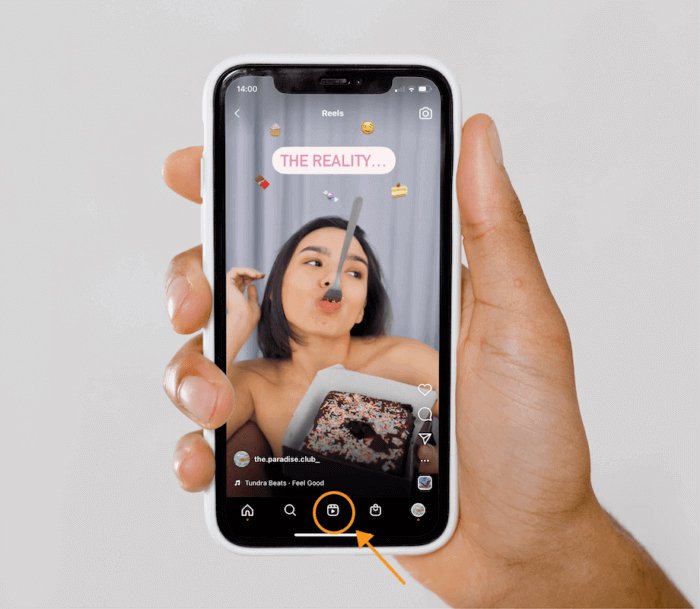
Many times on Instagram Reels, you start seeing the same trend, useless videos, or similar content that you no longer like. In such a situation, if you reset the Instagram Reels algorithm, your feed can become fresh again.
- Why is it necessary to reset the Instagram Reels algorithm?
Many times, the same type of videos start appearing repeatedly on Instagram Reels. This happens because the app observes your activity and understands what you like. Which reel you watch completely, like, or comment on, then your feed is set accordingly.
However, accidentally viewed videos can also spoil the algorithm. Moreover, everyone's preferences keep changing over time.
In such a situation, resetting the Reels algorithm is a good option so that you can see fresh and good content according to your new preferences.
How to reset the Instagram Reels algorithm?
- First of all, open the Instagram app and go to your profile.
- Tap on the three lines (More option) visible in the top right corner.
- Go to the menu and select Content Preferences.
- Tap on Reset Suggested Content there.
- Read the information displayed on the screen and accept the terms.
- Then tap on Reset Suggested Content and confirm.
Once the reset is complete, Instagram will gradually start suggesting content for you in a new way. Initially, you might see videos on topics different from before. According to Instagram, once reset, it cannot be made like before.
This specific news has been automatically translated by AI. As a result, there may be some inaccuracies or language errors.